
Quick Answer: A football IPTV playlist is a channel list that carries live football coverage, and the legal way to watch is through the broadcaster or streaming service that holds the rights in your country. Add the playlist to TiviMate with an M3U URL or Xtream Codes login, put the football channels in their own group, and test them during a live match before you commit to a season.
What a Football IPTV Playlist Actually Is#
A playlist is just a list of channels and stream addresses. When people say "football IPTV playlist", they usually mean one of two things: a playlist from a licensed streaming service that includes sports channels, or a playlist from an IPTV provider that bundles football coverage. TiviMate can play either, but it cannot tell you whether the source is licensed. That check is on you, and it matters.
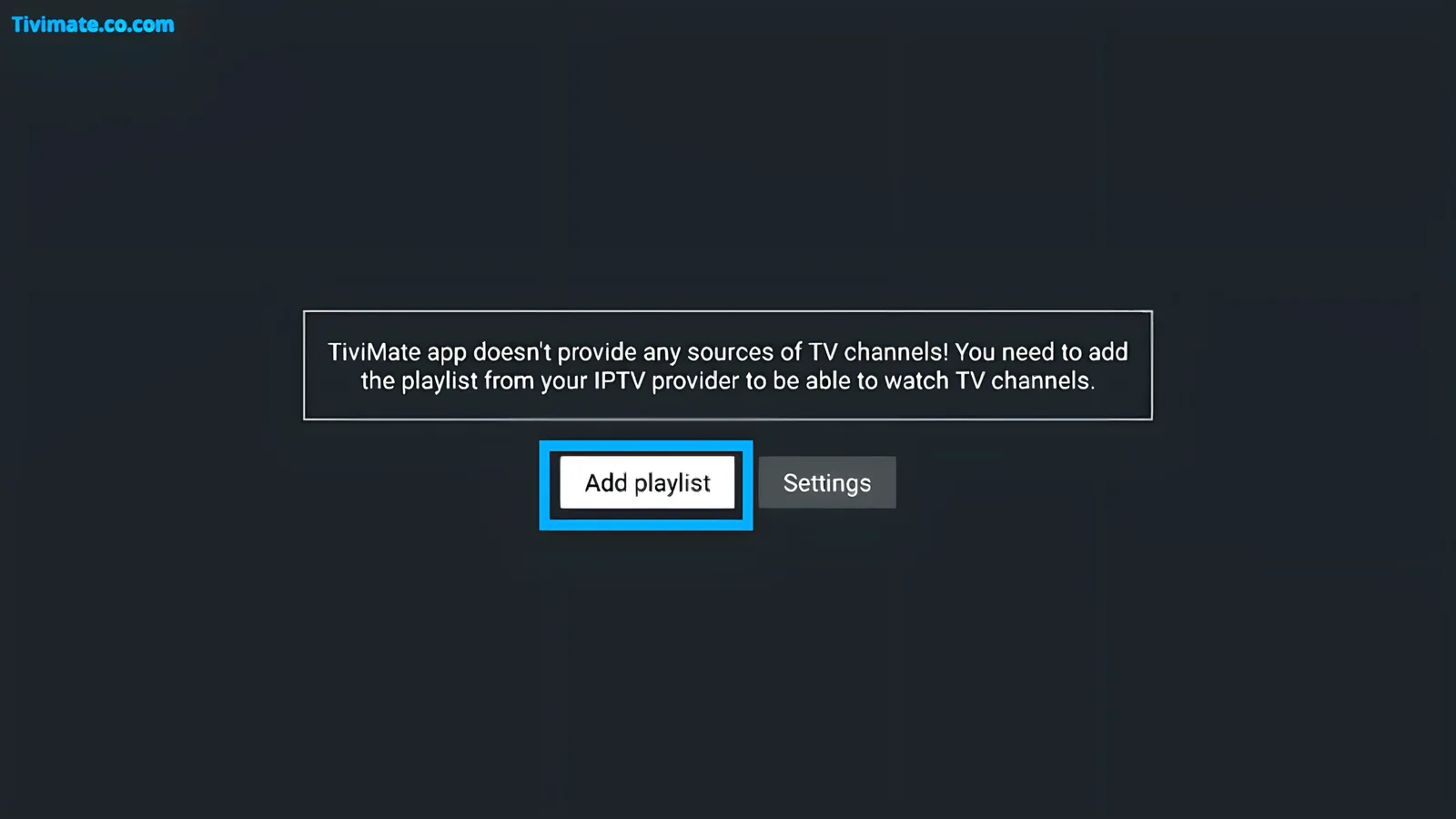
TiviMate itself is only the player. It does not sell channels, matches or subscriptions. The football content always comes from the source you add.
Free Ways to Watch Football Legally#
Free football is real, but it is fragmented by country and rights deal. The reliable free routes are public-service broadcasters, ad-supported streaming tiers and promotional trials. Availability changes with every rights cycle, so verify on the broadcaster's own site before you plan a match day.
- Public-service broadcaster apps. In the UK, BBC iPlayer and ITVX carry selected matches and highlights; a TV licence is required for BBC iPlayer.
- Ad-supported tiers. Some commercial broadcasters offer free or cheap ad-supported access to selected competitions.
- Official highlights and clips. League and club channels publish highlights, which are not live matches but are free and legitimate.
- Free trials. A short trial of a paid service is a legitimate way to watch a specific match, provided you cancel in time.
None of these give you every league. That is the trade-off: free and legal usually means limited, regional and dependent on a broadcaster's schedule.
Paid Ways to Watch Football#
Paid is simpler because you are buying the rights holder's coverage directly. The trade-off is cost and fragmentation: one service rarely has every competition, and the split differs by country.
| Route | What it gives you | Watch-outs |
|---|---|---|
| Broadcaster sports subscription | Live league and cup coverage, apps, catch-up | Regional rights, contract length, add-on tiers |
| League or team pass | Out-of-market or competition-specific matches | Blackout rules and regional restrictions |
| Streaming service with sport | Selected matches bundled with other content | Sport is often an add-on, not the base plan |
| Licensed IPTV provider | Multiple channels in one playlist | Verify the provider's licensing and terms |
Examples of rights holders you may encounter include Sky Sports and TNT Sports in the UK, DAZN in several markets, ESPN+ and Paramount+ in the US, and league-specific passes. This is not a recommendation list: rights move, and the correct service depends on where you live and which competition you want.
What Channels Do You Need?#
Start from the competitions you actually watch, not from a channel count. A provider with 20,000 channels and a poor version of your Saturday match is worth less than a smaller lineup that carries it properly.
- Domestic leagues: Premier League, EFL, La Liga, Serie A, Bundesliga, Ligue 1 and similar.
- European competitions: Champions League, Europa League and Conference League.
- International and regional: MLS, Liga MX, Brasileirão, Argentine Primera and continental tournaments.
- International fixtures: qualifiers, friendlies and major tournaments, which often sit on different rights holders again.
How to Add a Football Playlist to TiviMate#
- Get the playlist details from the service: an M3U URL, or a server address with username and password for Xtream Codes.
- Open TiviMate and go to playlist management.
- Choose the matching method and enter the details exactly as supplied.
- Wait for the playlist to load, then check that the football channels appear.
- Add or confirm the EPG source so the guide shows fixtures, not blank rows.
Step-by-step screenshots for each method are in add an M3U playlist to TiviMate and TiviMate Xtream Codes setup.
Organise Football Channels for Match Day#
A football-heavy playlist is only useful if you can reach the right channel in seconds. Build the structure once, then stop scrolling.
- Create a football group or rename an existing group so the channels you use are together. Custom group editing may require Premium.
- Add your regular channels to Favourites so the Saturday fixtures are one screen away.
- Fix the guide so kick-off times and programme names are accurate. See EPG setup.
- Use search for one-off matches instead of expanding the group. See the search guide.
Test the Playlist Before Kick-Off#
Never judge a football playlist on a quiet weekday afternoon. Matches are peak-time events, and a stream that is perfect at 10 a.m. can collapse at 3 p.m. when everyone else is watching.
- Open the exact channel you will use, not a random channel from the same provider.
- Watch for five to ten minutes and note buffering, stutter and audio sync.
- Repeat during a live match or at peak evening time.
- Check the guide against the real kick-off time.
- If the provider offers catch-up, test that too, so you have a fallback.
Our five-minute IPTV test turns this into a repeatable checklist, and the free trial guide covers what to check before paying.
Red Flags in Football IPTV Offers#
- Every league, every pay-per-view event and every channel for a price far below the official rights cost.
- No company details, no terms, and payment only by methods you cannot dispute.
- No trial, or a trial that requires a long commitment.
- No EPG, or a guide that never matches the channels.
- A provider that insists you use its own app and refuses M3U or Xtream access.
- Pressure to pay immediately, or claims that a VPN makes the service legal.
Legal and Safety Notes#
Football rights are sold territory by territory, and unlicensed retransmission is illegal in many countries. A VPN changes your network route; it does not change whether a service is licensed. If you are unsure about a provider, ask for its company details and check whether it claims to hold rights. Using a licensed service is the only way to be confident you are watching legally.
Frequently Asked Questions#
Is a football IPTV playlist legal?#
It depends on the source. A playlist from a licensed broadcaster or provider is legal; a playlist that retransmits channels without rights is not, regardless of the app you use.
Can TiviMate give me football channels?#
No. TiviMate is a player. It only displays the playlist you supply.
What is the cheapest legal way to watch football?#
Usually a public-service broadcaster, an ad-supported tier, or a short promotional trial. Availability depends on your country and the competition.
Why does my football channel buffer only during matches?#
Peak demand is the most common cause. Test at match time, compare another channel and another source, and read the buffering guide.
Do I need Premium for a football playlist?#
No, but Premium adds MultiView, recording and multiple playlists, which are useful if you follow several matches or providers.