
GUIDES
TiviMate Devices & Installation
Install and configure TiviMate on Firestick, Android TV, Google TV, NVIDIA Shield, Onn 4K and other supported devices.
These guides cover getting TiviMate running on the devices people actually use, from Firestick and Android TV boxes to Google TV, Onn 4K and NVIDIA Shield. Each guide starts with the supported install route, then covers the settings that matter for smooth playback. We also explain what to do when a device is not officially supported, such as Apple TV, Roku, Samsung TV, Windows or Mac.
 GUIDE
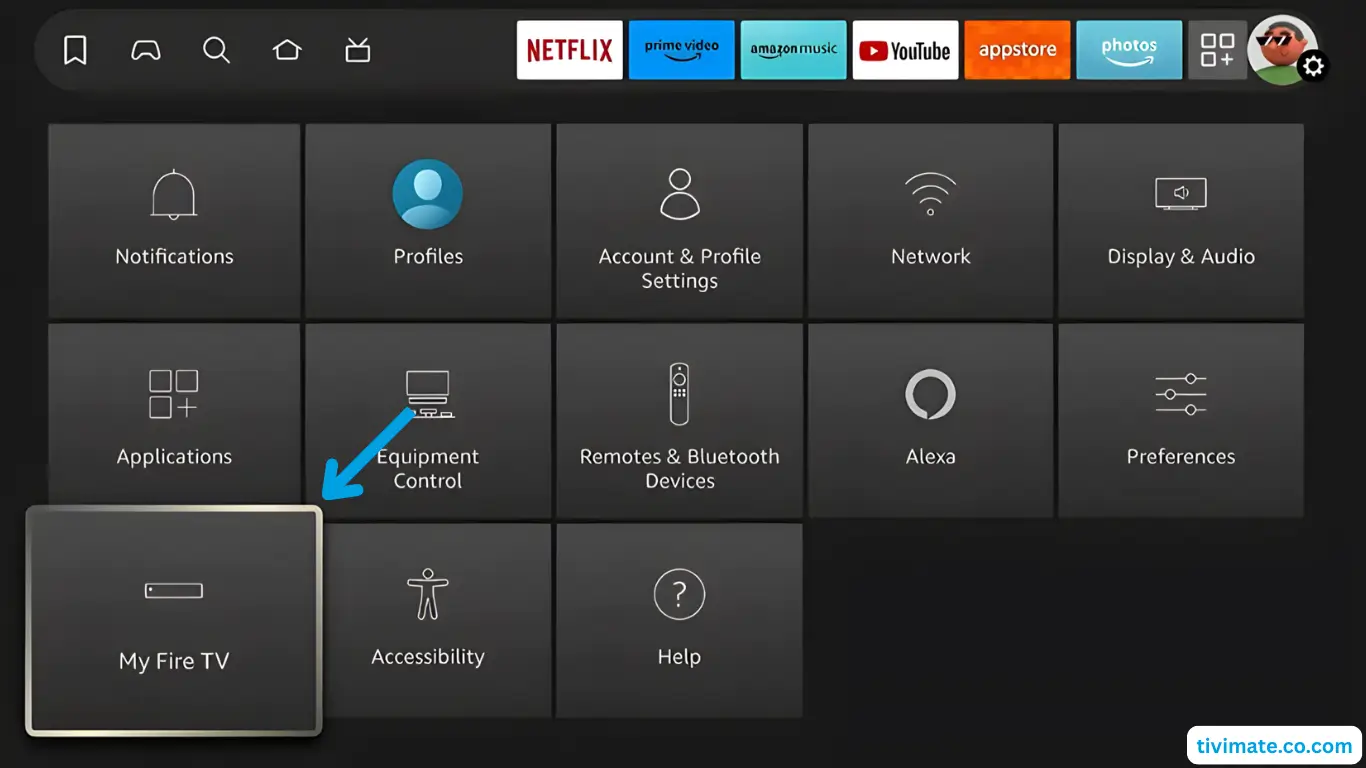
Install TiviMate on Firestick: Step-by-Step Guide
Step-by-step guide to install TiviMate on Amazon Fire TV Stick 4K in under 5 minutes.
Read Guide → GUIDE
Install TiviMate on Android TV: Setup Guide
Install TiviMate on Sony, TCL, Hisense, Philips, and Mi Box Android TV devices.
Read Guide → GUIDE
TiviMate APK Download: Official Installation Guide
Find the official TiviMate APK source, verify the current release, and install TiviMate safely on compatible Android TV devices.
Read Guide →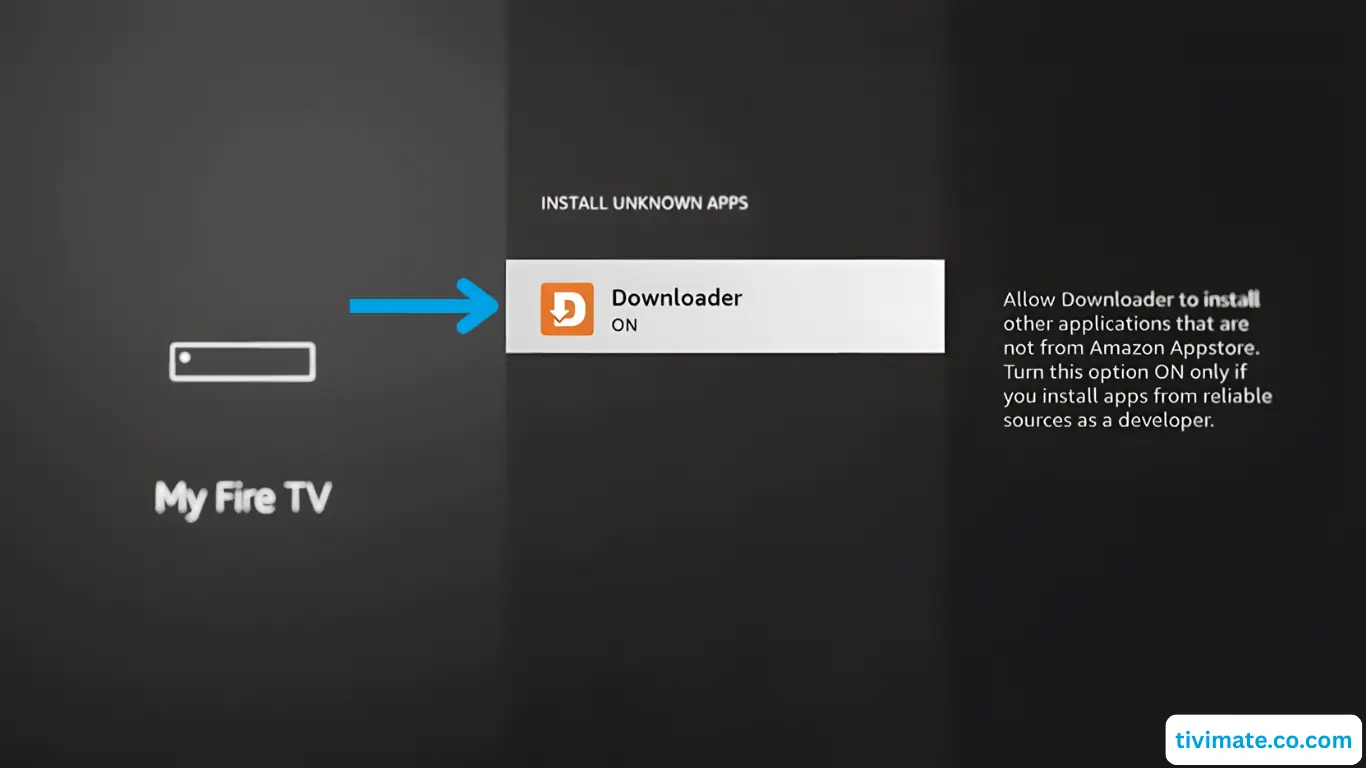 GUIDE
TiviMate Downloader Code: 272483 & Firestick Setup
Get TiviMate on Firestick in about five minutes with Downloader code 272483. Step-by-step instructions and troubleshooting.
Read Guide →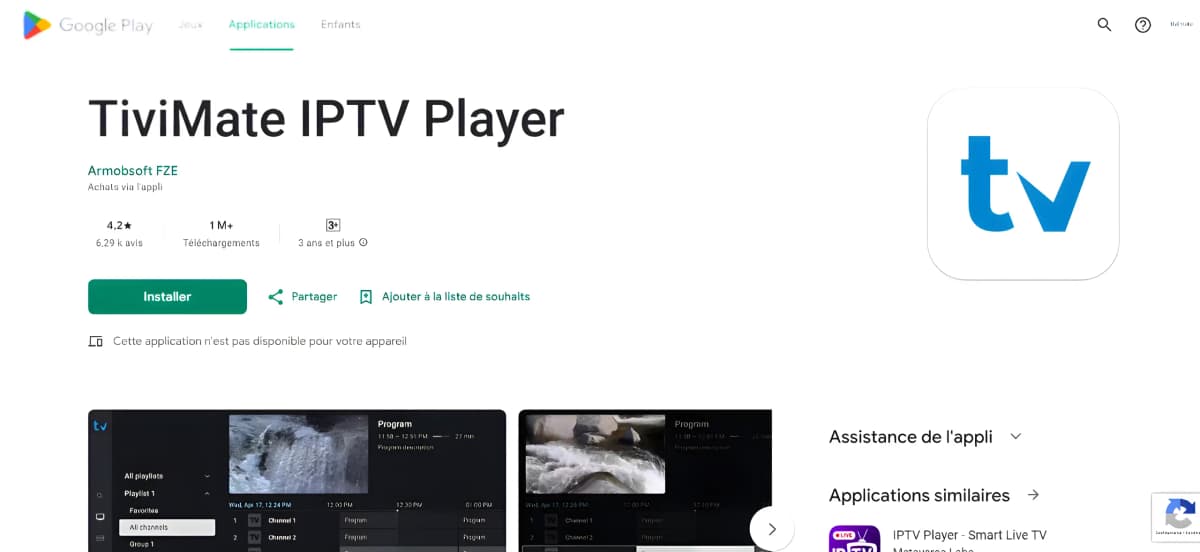 GUIDE
TiviMate on Google TV: Install, Setup & Playlist Guide
Set up TiviMate on Google TV, add your IPTV playlist, and troubleshoot common setup issues.
Read Guide → GUIDE
TiviMate on Onn 4K (2026): Install, Setup and Best Settings
The Walmart Onn 4K box is a strong budget pick for TiviMate. Learn how to install it, set it up, and get the best settings.
Read Guide →GUIDETiviMate on NVIDIA Shield: Setup and Troubleshooting Guide
Set up TiviMate on NVIDIA Shield and troubleshoot playback, audio, decoder, network, multiview, and installation issues without relying on universal settings.
Read Guide →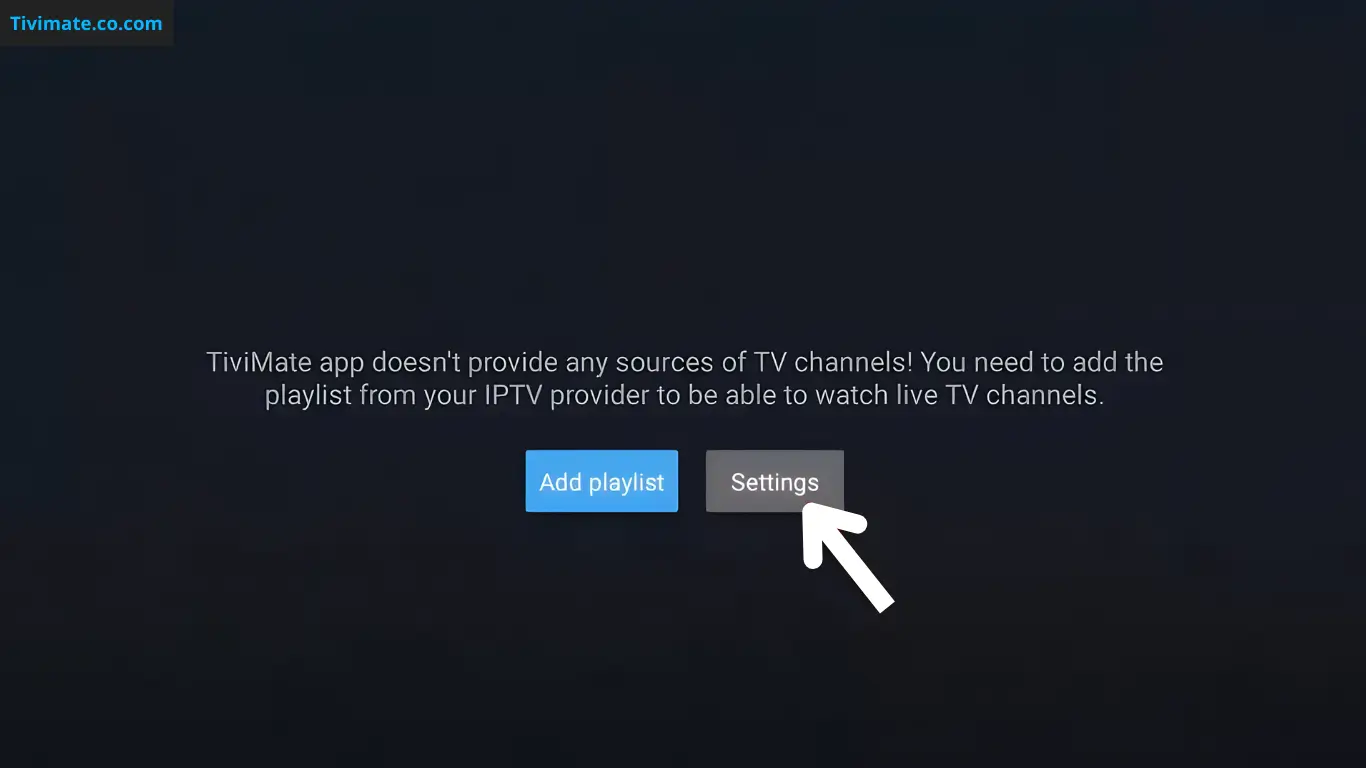 GUIDE
Best TiviMate Settings for Firestick
Recommended TiviMate settings for Firestick — buffer size, decoder, frame rate and display options — with honest guidance on what to change.
Read Guide → GUIDE
TiviMate on Mac: How to Use It on macOS
TiviMate is designed for Android TV, not macOS. Learn what that means for Mac users and the practical options for using your own IPTV playlists.
Read Guide →GUIDETiviMate on Windows PC: What Works and What Does Not
TiviMate is built for Android TV, not Windows. Learn the real limits of running it on a PC and how to separate supported use from workarounds.
Read Guide → GUIDE
TiviMate on Apple TV: Compatibility & Alternatives
TiviMate does not run on Apple TV or tvOS. Here is why, and which IPTV players work on Apple TV instead.
Read Guide →GUIDETiviMate on Samsung TV: Compatibility & Alternatives
TiviMate does not run on Samsung Smart TVs or Tizen. Here is why, and what your options are on a Samsung TV.
Read Guide → GUIDE
TiviMate on Roku: Compatibility & Alternatives
TiviMate does not run on Roku. Here is why there is no Roku app, and which IPTV players work on Roku instead.
Read Guide →GUIDETiviMate Remote Control: Navigation & Useful Shortcuts
Understand TiviMate remote navigation and how to troubleshoot buttons that do not behave as expected.
Read Guide → GUIDE
How to Update TiviMate (2026): Complete Step-by-Step Guide
How to update TiviMate on Firestick, Android TV and Google TV, including Play Store updates and installing the official APK safely.
Read Guide → GUIDE
TiviMate App Update: How to Check for a New Version
Learn how to check for TiviMate updates through the appropriate app source and what to do if an update is unavailable.
Read Guide →BROWSE BY TOPIC