
Quick Answer: TiviMate does not have a native macOS app. To use TiviMate on a Mac in 2026, install an Android emulator such as BlueStacks or NoxPlayer, then download TiviMate from Google Play inside the emulator. For Intel Macs use BlueStacks 5; for Apple Silicon (M1/M2/M3) use BlueStacks Air for native performance.
TiviMate macOS Setup
TiviMate is an Android TV app and there is no official macOS version. However, you can run TiviMate on your Mac using an Android emulator. This TiviMate macOS guide covers two methods: BlueStacks for Intel and Apple Silicon Macs, and NoxPlayer as a lightweight alternative. Both allow full TiviMate functionality including EPG, multi-view, and Premium features.
Requirements for TiviMate on macOS
Before you begin your TiviMate macOS setup, make sure you have:
- A Mac running macOS 11 (Big Sur) or later — Intel or Apple Silicon (M1/M2/M3/M4)
- At least 8 GB of RAM (16 GB recommended for smooth emulator performance)
- 5 GB of free disk space for the emulator and app
- A stable internet connection
- An IPTV subscription with M3U URL or Xtream Codes from your provider
- A Google account to access the Play Store inside the emulator
Choose an Android Emulator for macOS
Three Android emulators work on macOS. Here is how they compare for running TiviMate:
| Emulator | Apple Silicon | RAM Usage | Play Store | Best For |
|---|---|---|---|---|
| BlueStacks Air | Native M-series support | 2-4 GB | Built-in | Best performance and compatibility |
| NoxPlayer | Rosetta 2 only | 1-2 GB | Built-in | Lightweight, older Macs |
| Android Studio Emulator | Native M-series support | 2-6 GB | Manual setup | Developers and advanced users |
Recommended: BlueStacks Air for Apple Silicon Macs and NoxPlayer for Intel Macs. Android Studio is only recommended if you already use it for development.
Install BlueStacks on macOS
BlueStacks is the most reliable Android emulator for running TiviMate on a Mac. Version 5 (BlueStacks Air) includes native Apple Silicon support.
1. Download BlueStacks
Go to the official BlueStacks website and download BlueStacks Air for Apple Silicon Macs or BlueStacks 5 for Intel Macs. The installer is approximately 600 MB.
2. Install the Emulator
Open the downloaded DMG file. Drag the BlueStacks icon to the Applications folder. Launch BlueStacks from Applications. macOS may ask you to confirm opening an app from an unidentified developer — click Open.
3. Complete Initial Setup
BlueStacks runs through a first-launch wizard. Sign in with your Google account when prompted. This gives you access to the Google Play Store inside the emulator. The initial setup takes 2-3 minutes.
4. Grant Permissions
macOS may request permissions for notifications and accessibility. Grant these for full BlueStacks functionality. These are standard permissions required by the emulator.
Configure BlueStacks for TiviMate
Default BlueStacks settings are optimized for phone apps. Adjust them for the best TiviMate experience:
Set Display to Landscape
Open BlueStacks Settings (gear icon in the side toolbar). Go to the Display tab. Set screen orientation to Landscape. Set resolution to 1920 x 1080 or 2560 x 1440 for sharper visuals. Apply the changes. BlueStacks restarts to apply the new resolution.
Allocate Performance Resources
In BlueStacks Settings, go to the Performance tab. Set RAM allocation to at least 4 GB. Set CPU cores to 4 or higher. Enable virtualization if your Mac supports it (all Apple Silicon Macs have this enabled by default). Higher resource allocation means smoother channel switching and EPG browsing.
Enable Advanced Graphics
In the Graphics tab, set Renderer to OpenGL. Set Interface Renderer to Auto. Enable Advanced Graphics Engine if available. These settings improve video playback smoothness in TiviMate.
Install TiviMate via Google Play
With BlueStacks running, installing TiviMate is straightforward:
1. Open Google Play Store
Click the Play Store icon on the BlueStacks home screen. If you are not signed in, enter your Google account credentials.
2. Search for TiviMate
Type "TiviMate IPTV Player" in the Play Store search bar. The official app by AR Mobile appears as the first result.
3. Install the App
Click Install and accept the permissions. The download is approximately 35 MB and completes within 30 seconds on a typical broadband connection.
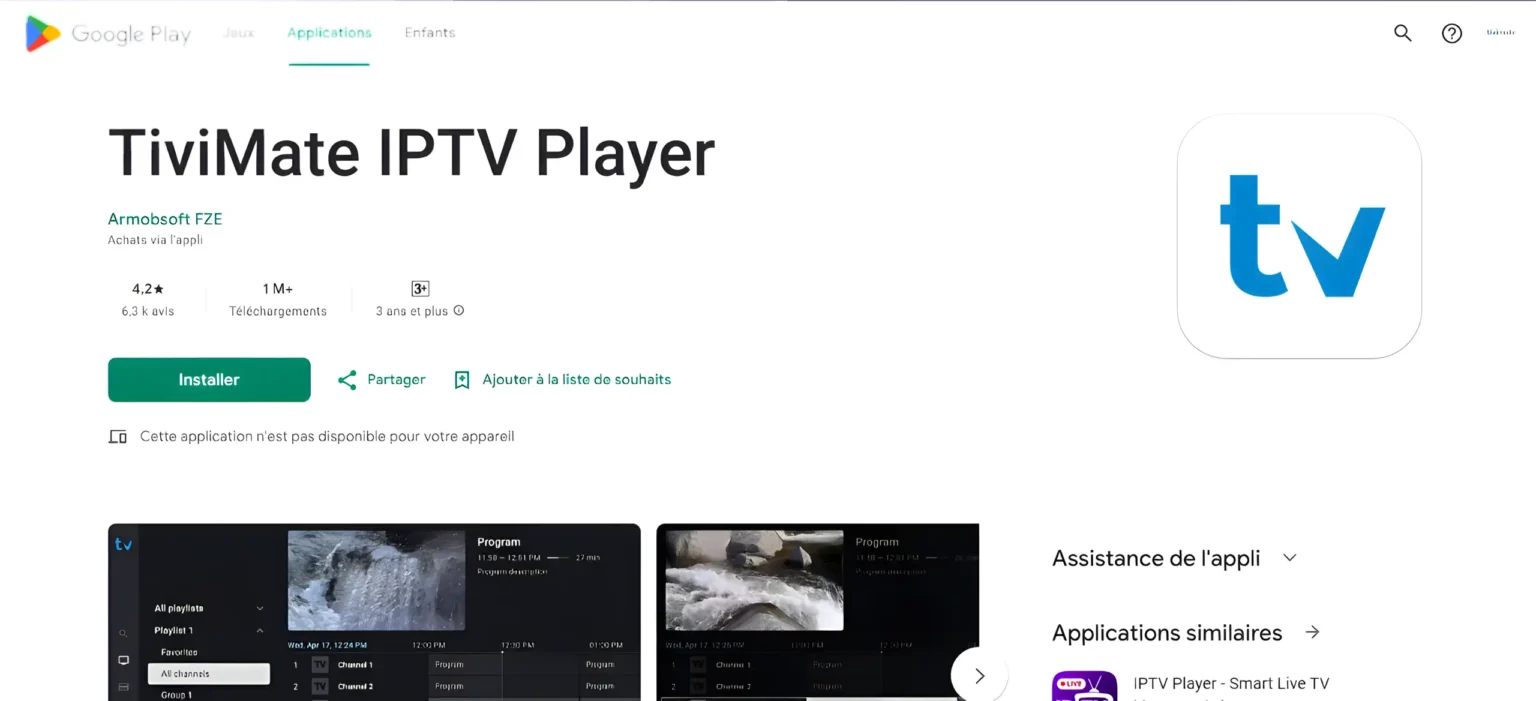
If the Play Store does not show TiviMate in your region, download the official TiviMate APK from a trusted source. In BlueStacks, click the Install APK button on the side toolbar (folder icon with a plus sign). Navigate to the APK file on your Mac and select it. BlueStacks installs the app automatically.
Add Your IPTV Playlist
Once TiviMate is installed, set up your IPTV subscription:
1. Launch TiviMate
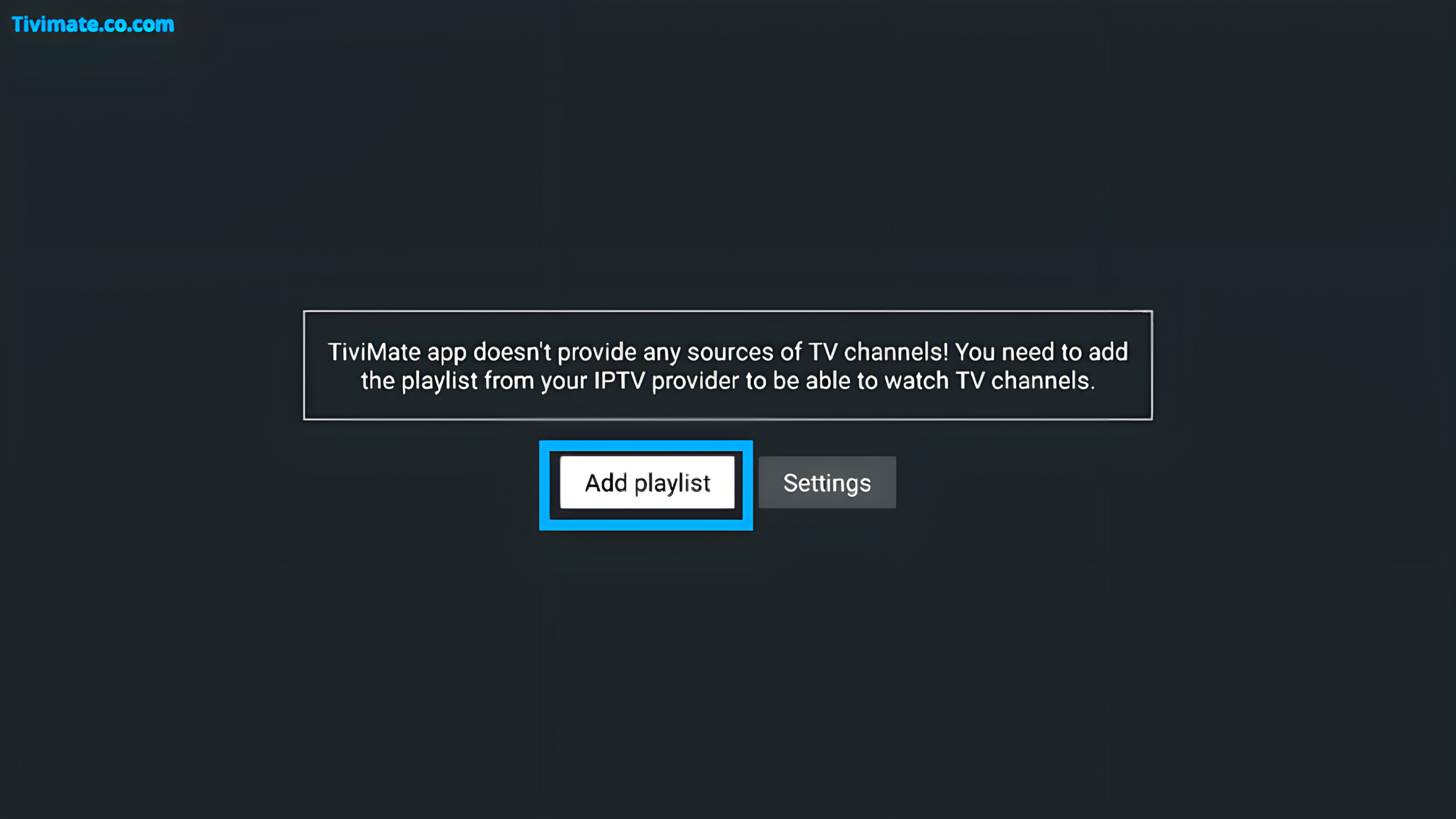
Click the TiviMate icon on the BlueStacks home screen or in the app drawer. The app opens with a welcome screen.
2. Select Add Playlist
Tap "Add Playlist" on the welcome screen. Choose either M3U Playlist or Xtream Codes Login depending on what your provider gave you.
3. Enter Your Details
For M3U: paste the full M3U URL provided by your IPTV service. For Xtream Codes: enter the server URL, username, and password provided by your service.
Tap Next and wait for TiviMate to load your channel list. This takes 10-30 seconds depending on the number of channels. Your channels appear in the left sidebar grouped by category.
Set Up EPG (TV Guide)
Electronic Program Guide (EPG) shows what is currently airing on each channel:
1. Open EPG Settings
In TiviMate, go to Settings (gear icon) then select EPG from the left menu.
2. Configure EPG Source
If your IPTV provider gave you an EPG URL, enter it in the EPG Source field. If not, TiviMate attempts to auto-detect the EPG data from your playlist.
3. Set Time Zone
Select your correct time zone in the EPG settings. This ensures program times display accurately. Manual override helps when auto-detection picks the wrong zone.

Tap "Refresh EPG" and wait 30-60 seconds for the data to load. Once complete, press the Back button on your remote or keyboard to see the program guide.
Performance Tips: Intel vs Apple Silicon
Performance differs significantly between Intel and Apple Silicon Macs when running TiviMate through an emulator:
| Factor | Apple Silicon (M1/M2/M3/M4) | Intel Mac |
|---|---|---|
| Emulator performance | Excellent — native ARM architecture means near-native Android performance | Good — requires x86-to-ARM translation, 15-20{395bdd4b9f5519efd8d1cd04ef27523e983722d01b0d4c20b51ad96b91995c30} performance overhead |
| Recommended emulator | BlueStacks Air (native M-series build) | BlueStacks 5 or NoxPlayer (both run via Rosetta 2 or native x86) |
| RAM recommendation | 16 GB total Mac RAM (allocate 4 GB to emulator) | 16 GB total Mac RAM minimum (allocate 4 GB to emulator) |
| Battery impact | Moderate — M-series efficiency cores handle background tasks | Higher — Intel Macs consume more power under emulation load |
| Fan noise | Minimal — M-series Macs stay cool and quiet | Audible — Intel Macs may run fans during extended viewing |
Apple Silicon Tips: For the best TiviMate macOS experience, BlueStacks Air runs natively on M-series Macs. You do not need Rosetta 2. Allocate 4 GB of RAM for smooth 1080p streaming. M3 and M4 chips handle multi-view mode with 2-3 simultaneous streams without noticeable lag.
Intel Mac Tips: Use BlueStacks 5 rather than BlueStacks Air. Close Safari, Chrome, and other RAM-intensive apps before launching the emulator. Consider NoxPlayer as a lighter alternative if BlueStacks feels sluggish on older Intel Macs.
Troubleshooting TiviMate on macOS
| Issue | Cause | Fix |
|---|---|---|
| TiviMate crashes on launch | Insufficient RAM allocated to emulator for TiviMate macOS | Increase BlueStacks RAM to 4 GB. Close other apps. |
| Video stutters or lags | Graphics settings too high for Mac | Lower BlueStacks resolution to 1280x720. Switch renderer to DirectX. |
| No audio in channels | Emulator audio driver conflict | Restart BlueStacks. Go to Settings > Audio and toggle audio output. |
| Channels not loading | Playlist URL expired or incorrect | Contact your IPTV provider for a new M3U URL. Refresh playlist in TiviMate. |
| EPG not showing data | Missing or incorrect EPG source URL | Add EPG URL in Settings > EPG. Refresh EPG and wait 60 seconds. |
| BlueStacks runs slowly | macOS memory pressure too high | Quit unused apps. Reduce BlueStacks resolution. Restart your Mac. |
| TiviMate not in Play Store | Regional restriction on Google account | Sideload the APK using BlueStacks Install APK button. |
| Keyboard shortcuts not working | Emulator not focused | Click inside the BlueStacks window. Enable key mapping in BlueStacks settings. |
Best macOS IPTV Alternatives
If running TiviMate macOS through an emulator does not meet your needs, these native macOS IPTV apps work without emulation:
IINA — Free and open-source macOS media player. Supports M3U playlist playback with basic channel switching. Does not include EPG or channel grouping. Best for users who want a simple, native solution.
VLC for macOS — The universal media player also supports IPTV streams. Open an M3U file or network stream URL. Does not have a TV-guide interface but is highly reliable and uses minimal system resources.
GSE Smart IPTV — Available on the Mac App Store. Supports M3U and Xtream Codes with EPG, favoriting, and parental controls. The interface is less polished than TiviMate but works natively on macOS without an emulator.
Kodi — Install the IPTV Simple Client add-on and point it to your M3U playlist. Kodi provides an EPG, channel groups, and recording support. It is heavier than other options but feature-rich.
These alternatives do not support multi-view, TiviMate Companion app, or some Premium features. For the full TiviMate experience, use the BlueStacks emulator method described above.