
GUIDES
TiviMate Troubleshooting & Fixes
Fix buffering, channels that will not load, EPG failures, audio problems, crashes, login errors and other TiviMate issues.
When TiviMate stops working, the cause is usually the playlist source, the network, the device or a single app setting. These guides help you isolate the fault before changing anything, then apply the fix that matches the symptom instead of reinstalling at random.
 GUIDE
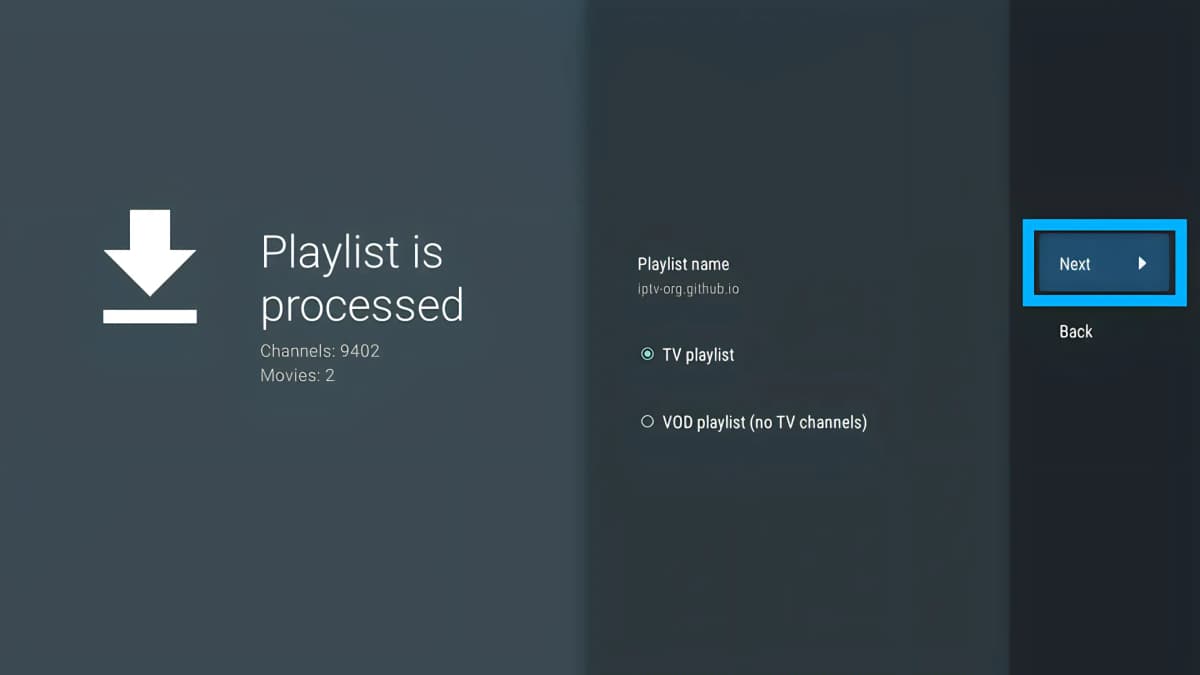
TiviMate Channels Not Loading? Fix Channels That Won't Play
Channels not loading in TiviMate? Work through playlist, network, source and app checks to find the real cause instead of reinstalling.
Read Guide → GUIDE
TiviMate Not Working? 10 Fixes
Most TiviMate problems have a simple fix. Work through restart, cache and device checks before reinstalling or clearing your data.
Read Guide →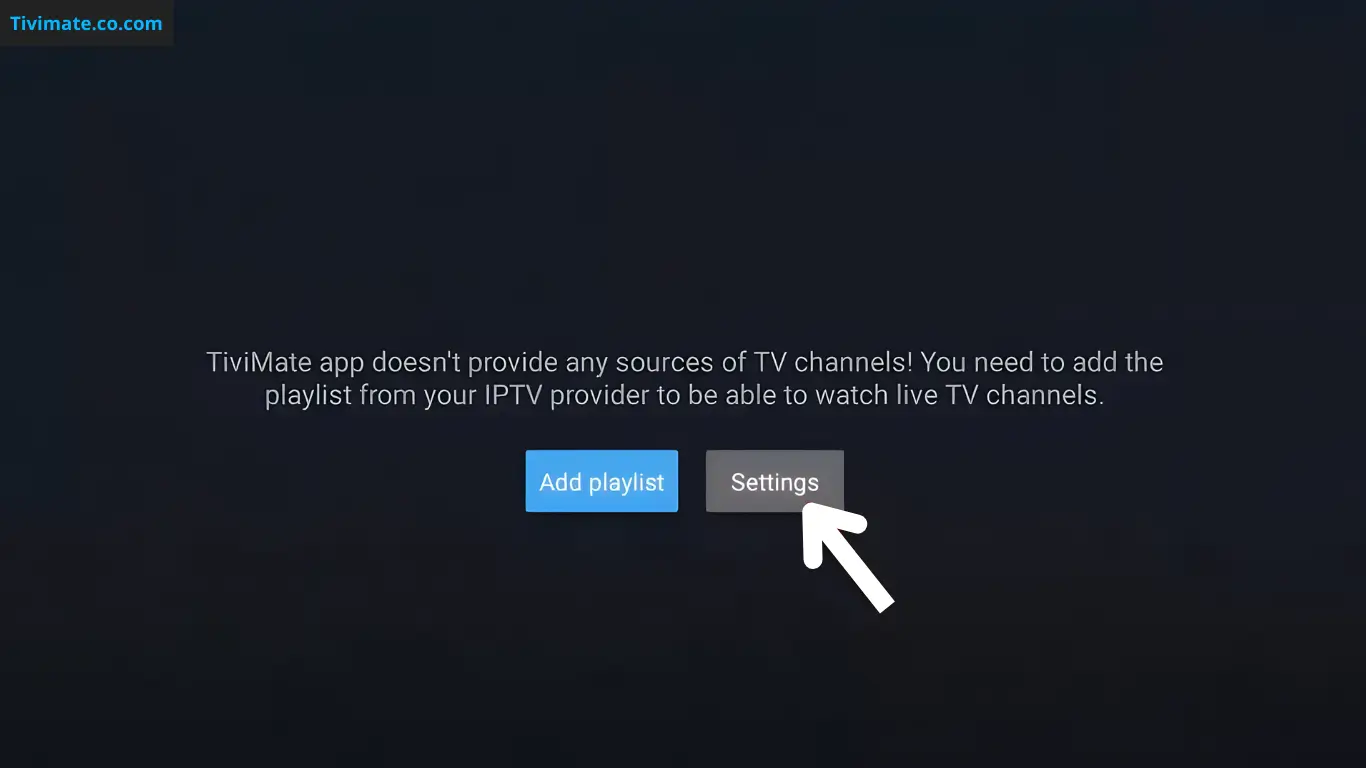 GUIDE
TiviMate Buffering: How to Diagnose and Fix It
Learn how to troubleshoot TiviMate buffering by isolating the source, network, device, decoder, buffer settings, and playback configuration.
Read Guide → GUIDE
TiviMate Keeps Crashing: Diagnose Freezes and Crashes
Troubleshoot TiviMate crashes by isolating cache, storage, app updates, device load, playlists, playback, and source-related triggers.
Read Guide →GUIDETiviMate No Sound: Diagnose Audio Problems on Android TV
Fix TiviMate audio problems by isolating the channel, audio track, decoder, TV output, HDMI path, and external audio system.
Read Guide →GUIDETiviMate Audio Out of Sync: How to Fix Audio Delay
Troubleshoot TiviMate audio delay by isolating the stream, decoder, audio offset, passthrough, device settings, and external audio system.
Read Guide →GUIDETiviMate Error 458: What It Means & How to Fix It
TiviMate Error 458 means too many connections. Complete guide with 5 fixes, troubleshooting flow, and prevention tips to stop Error 458 from coming back.
Read Guide →GUIDETiviMate HTTP Data Source Exception: Causes and Fixes
Troubleshoot TiviMate HTTP Data Source Exception by checking the playlist URL, network, DNS, source server, authentication, and device configuration.
Read Guide →GUIDETiviMate Clear Cache: Fix Loading and Freezing
Learn when clearing TiviMate cache can help, what it removes, and what to try before reinstalling the app.
Read Guide →GUIDETiviMate User Agent: Best Settings to Stop Buffering (2026)
The user agent setting is one of the most underrated TiviMate buffering fixes. Learn how to change it and when it helps.
Read Guide →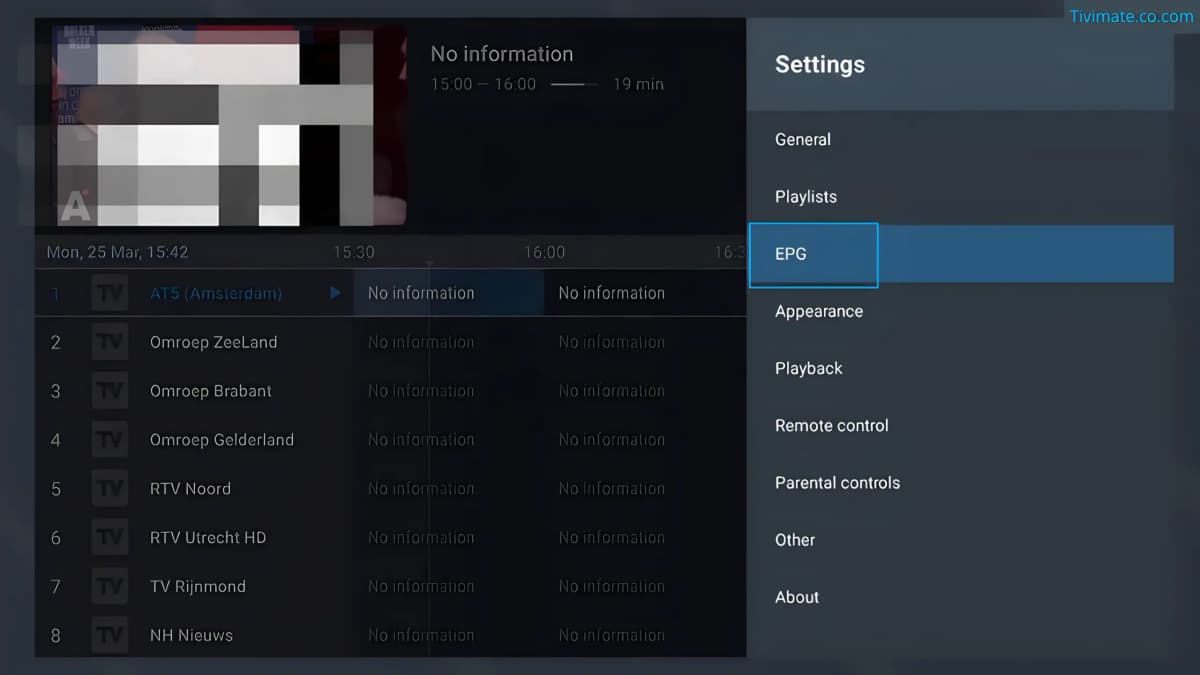 GUIDE
Fix TiviMate EPG Not Working: 7 Fixes
TiviMate EPG not working? Fix a missing or empty TV guide with targeted checks for the playlist, EPG source and refresh behaviour.
Read Guide → GUIDE
TiviMate Recording Not Working: Fix Failed Recordings
Troubleshoot TiviMate recording problems by checking storage, recording paths, permissions, EPG data, stream availability, and device behavior.
Read Guide →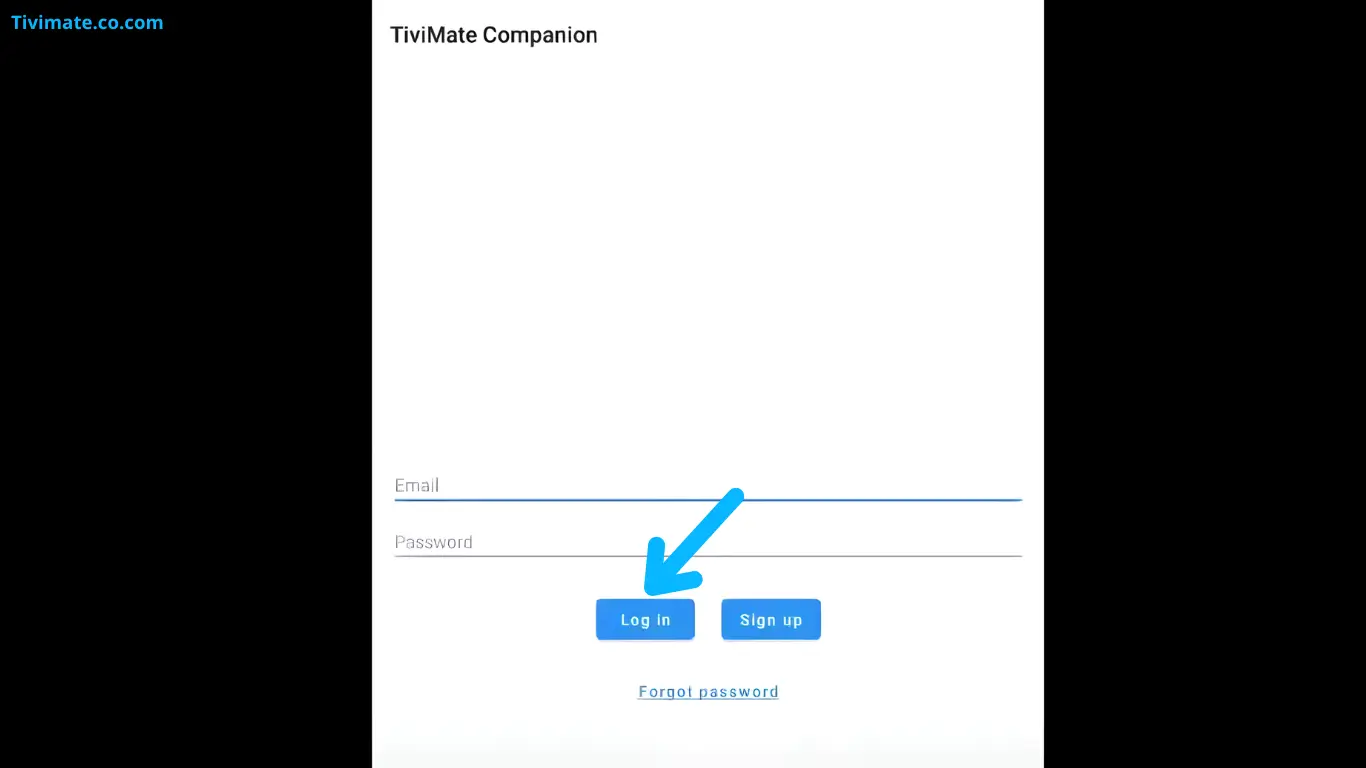 GUIDE
TiviMate Login Not Working: Account Sign-In Fixes
Troubleshoot TiviMate account sign-in problems, incorrect credentials, activation issues, and device setup.
Read Guide →GUIDETiviMate Picture Quality: Fix Blur, Stutter & Low Resolution
Troubleshoot poor picture quality in TiviMate by separating source quality, network problems, device settings, and playback issues.
Read Guide → GUIDE
TiviMate Subtitles & Audio: Fix Missing or Incorrect Tracks
Troubleshoot missing subtitles, incorrect audio tracks, and playback settings in TiviMate without changing your playlist unnecessarily.
Read Guide →BROWSE BY TOPIC