
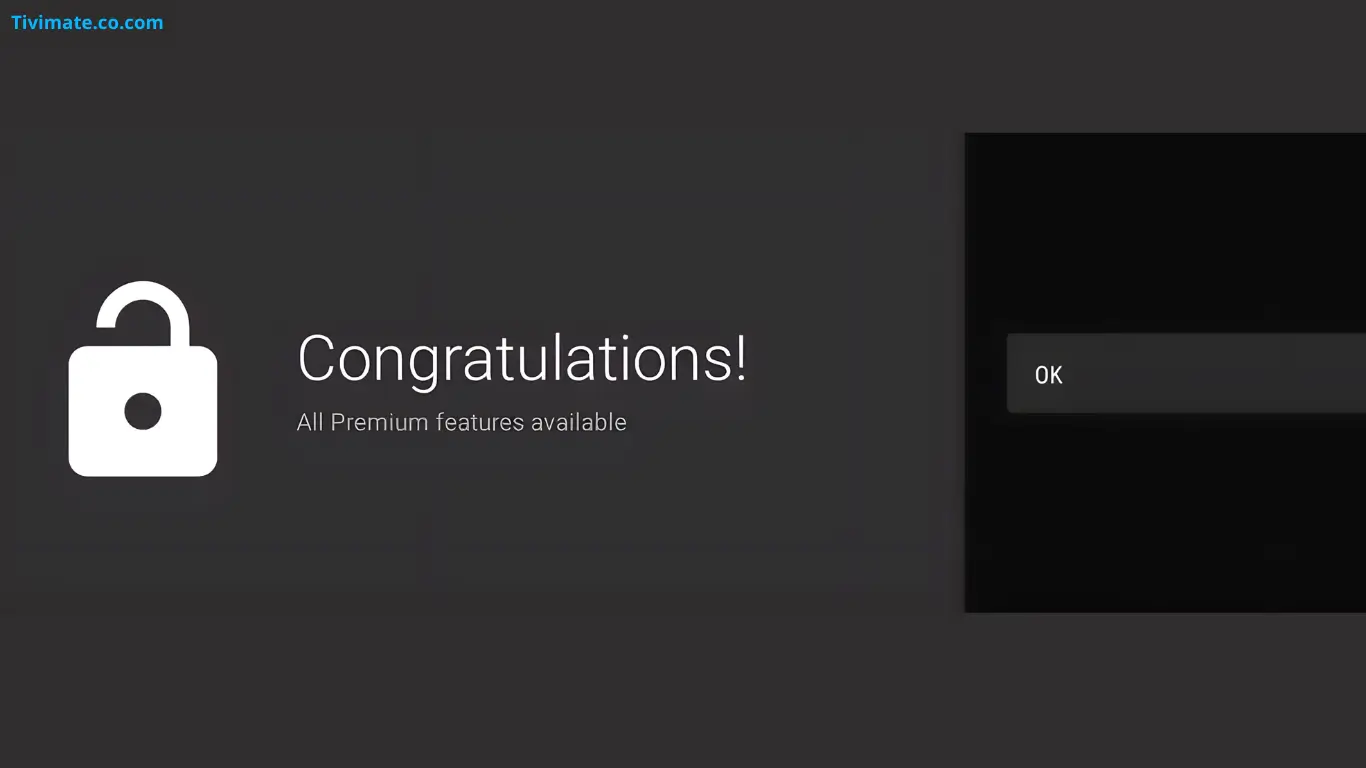
Quick Answer: TiviMate Premium is the paid upgrade for the TiviMate IPTV player, and it unlocks multiple playlists, extra EPG sources, DVR recording, MultiView, catch-up, parental controls and an ad-free interface. The price is shown at the point of purchase, because TiviMate has used both an auto-renewing subscription and a one-time lifetime option depending on region. For a daily IPTV user the features justify the cost; for one playlist on one device, the free version is enough.
What TiviMate Premium Is#
TiviMate is an IPTV player. It organises and plays the playlist your provider supplies, but it does not include channels of its own. Premium is an in-app upgrade to the player, not a content subscription, so buying Premium never adds channels: it only removes the app's limits.
The free tier is genuinely usable. You can add a playlist, browse channels, load a guide and watch TV. Most people hit the ceiling when they add a second provider, want to record a match, or try to watch two games at once. That is what Premium is for.
Free vs Premium at a Glance#
| Capability | Free | Premium |
|---|---|---|
| Playlists | Limited | Multiple |
| EPG sources | Limited | Multiple |
| DVR recording | No | Yes |
| MultiView | No | Yes, up to four channels |
| Catch-up | No | Yes, when the provider supports it |
| Parental controls | No | Yes |
| Ad-free interface | No | Yes |
| Backup and restore | No | Yes |
| Custom channel order | No | Yes |
| Auto frame rate | No | Yes |
| Audio passthrough | Limited | Yes |
The free limits are set by the current app version, so treat that column as the typical experience rather than a permanent contract. The pattern does not change: Premium adds capacity and features the free tier withholds.
Every TiviMate Premium Feature#
Multiple playlists and EPG sources#
If you keep a main provider for live TV and a backup for match days, the free single-playlist limit forces a choice. Premium lets you load several playlists, keep them side by side, and assign guide data to each source. That is the feature most people buy Premium for, and it pairs naturally with our M3U playlist and Xtream Codes setup guides.
DVR recording#
Premium adds scheduled and one-off recording from the guide. Recordings are written to local storage or an attached USB drive, and you can pad the start and end of a recording so a late kick-off or extra time is not cut off. See the recording guide and the storage guide before you buy a drive.
MultiView#
MultiView shows up to four live channels on one screen. It is the reason many sports viewers upgrade: you can follow several matches without changing channel. It also puts more load on the device and the source, so read the MultiView guide if playback becomes unstable.
Catch-up#
Catch-up lets you jump back in the guide and play a programme that already aired. It only works when the provider keeps an archive, so availability varies by channel. Our catch-up guide explains how to tell a provider limitation from an app problem.
Parental controls#
Premium adds PIN-protected access for channels or groups, which is useful in a shared household. It is an app-level lock, not a replacement for the parental controls built into the TV or device. The parental controls guide covers the limits.
Ad-free interface and personalisation#
Premium removes the ads shown in the free interface and unlocks the deeper display and channel-management options: custom channel order, hidden channels, reminders and a cleaner guide layout.
Backup, restore and playback extras#
Premium adds configuration backup and restore, auto frame rate switching for smoother motion, audio passthrough for a soundbar or AV receiver, and picture-in-picture on supported devices. Backup is the one to use before any device change: see the backup and restore guide.
What TiviMate Premium Costs#
TiviMate has offered an auto-renewing subscription and a one-time lifetime purchase, and the exact plans, billing periods and prices vary by region and can change. Because of that, this page does not print a fixed number: a stale price is worse than no price. The authoritative figure is the one shown in the Google Play listing, the in-app upgrade screen, or the TiviMate Companion purchase flow at the moment you buy.
| Billing model | How it works | Best for |
|---|---|---|
| Auto-renewing subscription | Paid periodically until cancelled | Trying Premium with a low upfront cost |
| One-time lifetime purchase | Single payment, no renewal | Long-term users who want to stop thinking about it |
The free version is not a trial with an expiry date. It is a fully functional tier you can use indefinitely, which means you can evaluate the app before paying anything. If a trial is offered in your region, it is shown in the purchase flow rather than promised here.
How to Buy and Activate Premium#
- Install TiviMate from the Google Play Store, or from the official TiviMate APK page on a device without Play.
- Open the app and go to the account or about section.
- Choose the upgrade option and pick the plan shown for your region.
- Complete payment through Google Play or the flow TiviMate presents.
- Sign in with the same account on any other device where you want Premium.
The full walkthrough, including the Companion app route, is in how to buy TiviMate Premium. If a purchase does not appear, use restore purchase rather than buying again, and check the account guide.
How Many Devices Can Use One Purchase?#
Device allowance is tied to the current plan terms, so check the figure shown in your account rather than relying on an old guide. Activation normally means signing in on the new device with the same account used for the purchase. If you hit a limit, remove a device you no longer use through the Companion app. Remember that this is the TiviMate device limit, not your IPTV provider's connection limit: those are separate, and Premium does not raise the provider's cap.
Is TiviMate Premium Worth It?#
Premium is worth it if you#
- use more than one playlist or provider;
- record live TV, or want to;
- watch several matches at once with MultiView;
- run TiviMate on more than one TV;
- want parental controls or an ad-free interface;
- rely on the guide and want multiple EPG sources.
Skip Premium if you#
- use a single provider on a single device;
- only watch one channel at a time;
- never record and do not need catch-up;
- are happy with the free interface.
The honest test is simple: if you have wanted to add a second playlist, record a match or split the screen in the last month, Premium solves a real problem. If none of those apply, the free tier is not a demo you are missing out on.
How Premium Compares With Other Players#
| Player | DVR | MultiView | Catch-up | Notes |
|---|---|---|---|---|
| TiviMate Premium | Yes | Yes, up to four | Yes | TV-first interface, Android TV and Fire TV |
| IPTV Smarters Pro | No | No | Yes | Free, broad platform support |
| OTT Navigator | No | No | Limited | Paid unlock, large playlists |
| IMPlayer | Yes | No | Yes | Paid, different platform focus |
Feature sets and prices change, so compare the current offerings rather than treating this as a permanent ranking. TiviMate's advantage is the combination of a TV-optimised interface with DVR and MultiView in one app.
What Happens If You Cancel or Premium Expires#
If a subscription ends, the app reverts to the free tier at the end of the paid period. Your playlists, favourites, guide settings and other local data normally remain; you lose access to the Premium-only features. A lifetime purchase does not expire. Reactivating a subscription restores the features without rebuilding your setup.
Common Premium Problems#
- Premium not showing after payment. Use restore purchase and confirm you are signed in with the account that paid.
- Login fails on a second device. See TiviMate login not working.
- Device limit reached. Remove an old device in the Companion app.
- Payment declined. Fix the payment method in Google Play, then retry the purchase.
- A "premium APK" from a random site. Do not install it. Use the official store or the official TiviMate APK page.
Frequently Asked Questions#
Is TiviMate Premium a subscription or a one-time purchase?#
Both models have existed. The plans available to you, and their billing periods, are shown in the purchase flow for your region.
Does TiviMate Premium include channels or an IPTV service?#
No. Premium unlocks app features only. Channels come from the playlist supplied by your IPTV provider.
Does Premium work on Firestick?#
Yes. Fire TV devices run a compatible Android base, so the same app and the same Premium activation apply.
Can I use one Premium purchase on several devices?#
Device allowance depends on the current plan terms. Sign in with the same account on each device and manage the list in the Companion app.
Does Premium remove ads?#
Yes. The free interface shows ads; Premium removes them.
Do I need Premium to record or use MultiView?#
Yes. Both recording and MultiView are Premium features.
Is there a free trial?#
Trial availability varies by region and offer. The free tier itself has no expiry, so you can evaluate the app before buying.
What happens to my recordings if Premium ends?#
Existing files are not deleted, but the recording feature is locked until Premium is active again.