
Quick Answer: The TiviMate app is an IPTV player for Android TV, Google TV and Fire TV. Download it from the official Google Play Store or the official TiviMate APK page — never a third-party mirror. Install it, add a playlist from your provider, and update it through the store or by installing the newer official APK. The app plays your content; it does not supply it.
The TiviMate app is the piece of software you actually open on your TV device. Most people searching for it want one of three things: where to get it safely, how to put it on a specific device, or how to update it. This guide answers all three, plus what the app does and does not include. For the broader context, see what TiviMate is; for the practical "player" angle, see TiviMate IPTV player.
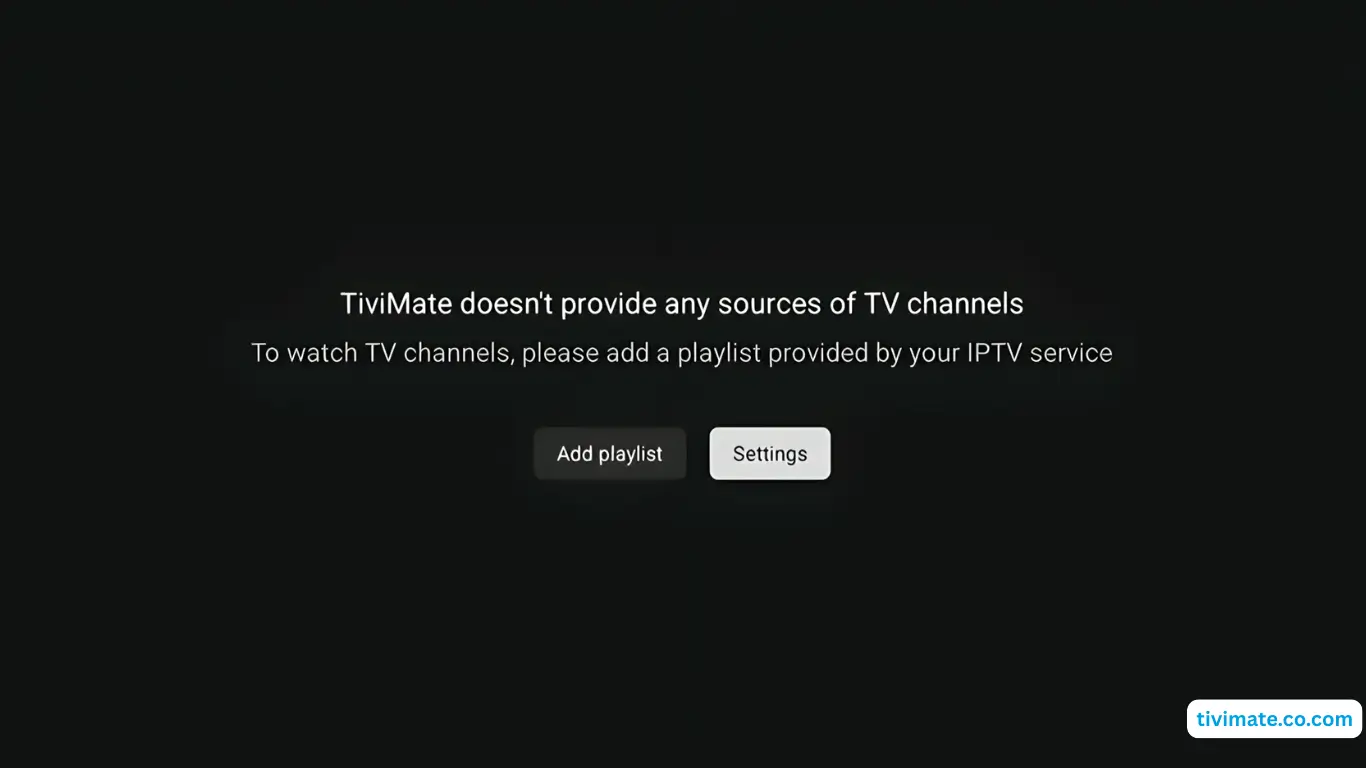
What Is the TiviMate App?#
TiviMate is an application for Android-based TV platforms. You add a playlist supplied by an IPTV service, and the app renders that playlist as a channel list, program guide and playback interface. It is developed by ArmoSoft and distributed through the official Google Play Store, with an official APK option for devices that cannot use the store.
Two facts worth keeping straight: the app is a player, and the app is Android-only. It does not include channels, and it does not run on Roku, Apple TV or iOS. Everything else follows from those two points. More detail is in our overview of what TiviMate is and our Roku and Apple TV compatibility notes.
Where to Download the TiviMate App Safely#
| Source | Best for | Notes |
|---|---|---|
| Google Play Store | Android TV, Google TV, Onn, Chromecast | Automatic updates; signed by the developer |
| Official TiviMate APK page | Fire TV / Firestick and sideloading | Get the APK from the official site only |
Avoid APK mirrors and "modded" builds. Third-party copies can be outdated, altered, or bundled with unwanted software. Our TiviMate APK download guide and Downloader code guide walk through the safe routes in detail.
How to Install the TiviMate App#
- Android TV / Google TV: open Google Play, search for TiviMate, and install the official listing.
- Fire TV / Firestick: enable apps from unknown sources, install the Downloader app, then sideload using the official APK or the Downloader code.
- Open the app and add your playlist using the method your provider supplied.
- Enter credentials exactly and let the app fetch channels and guide data.
Device-specific steps live in our Firestick, Android TV and Onn 4K guides.
How TiviMate App Updates Work#
If you installed from Google Play, updates arrive through the store like any other app. If you sideloaded the APK, you update by installing a newer official APK over the existing one — a normal APK install typically keeps your settings. You can also check manually; our guide covers updating the TiviMate app and how to update TiviMate step by step. Before updating, remember that an update is not automatically the cause of a new problem, and compare when the trouble began with when you last updated.
TiviMate App Features at a Glance#
| Feature | What it does |
|---|---|
| Live TV playback | Plays channels from your playlist |
| EPG / program guide | Shows what is on now and next |
| Channel groups & favourites | Organises large lineups |
| Recording (Premium) | Records live TV to local storage |
| Multi-screen (Premium) | Watches several channels at once |
| Catch-up (Premium) | Replays supported past programmes |
| Companion app (Premium) | Uses your phone as a remote and for activation |
The full list is in our TiviMate Premium features breakdown.
Free App vs Premium App#
It is the same app; Premium is an activation that unlocks extra features rather than a separate download. The free app covers live TV and the guide with one playlist. Premium adds recording, multi-screen, catch-up, unlimited playlists and the Companion app. Activation and pricing are covered in our buy TiviMate Premium and cost and pricing guides, and we weigh the value in is Premium worth it.
TiviMate App Not Working? Start Here#
- App opens but channels fail — check the playlist and source first: channels not loading.
- App freezes or closes — TiviMate keeps crashing.
- App will not sign in — login not working.
- General faults — TiviMate not working: 10 fixes.
Frequently Asked Questions#
Is the TiviMate app free?
The app has a free tier. Premium is an optional activation that unlocks recording, multi-screen, catch-up, unlimited playlists and the Companion app.
Does the TiviMate app include channels?
No. It is a player. You need a playlist from a separate IPTV service.
Is the TiviMate app available for iPhone or Roku?
No. It is Android-only — Android TV, Google TV and Fire TV.
How do I update the TiviMate app on Firestick?
Install the newer official APK over your existing installation, or reinstall via the Downloader code. A normal update keeps your settings.
Final Thoughts#
The TiviMate app is straightforward once you separate the app from the content: install it from an official source, add a playlist from your provider, and update it the way you installed it. Keep those three habits and you will avoid the most common problems people run into — counterfeit downloads, broken playlists and unnecessary reinstallations.
Sources: official TiviMate site, TiviMate on Google Play (developer ar.tvplayer.tv), and the overview of IPTV on Wikipedia.