
Quick Answer: "TV Mate", "tiv mate", "tiv", "TV Mate Pro" and "tivimate pro" are almost always misspellings or shorthand for the same app: TiviMate, an IPTV player for Android TV, Google TV and Fire TV. There is no separate "Pro" edition — the extra features come from a Premium activation inside the one app.
People rarely type "TiviMate" perfectly on a TV remote. Searches for TV Mate (two words), tiv mate, tiv, and even "TV Mate Pro" all point at the same thing. This page untangles those variants so you land on the real app instead of a copycat — and so you know what you are actually looking for. If you already know the app, our What Is TiviMate guide and TiviMate app guide are the practical next steps.
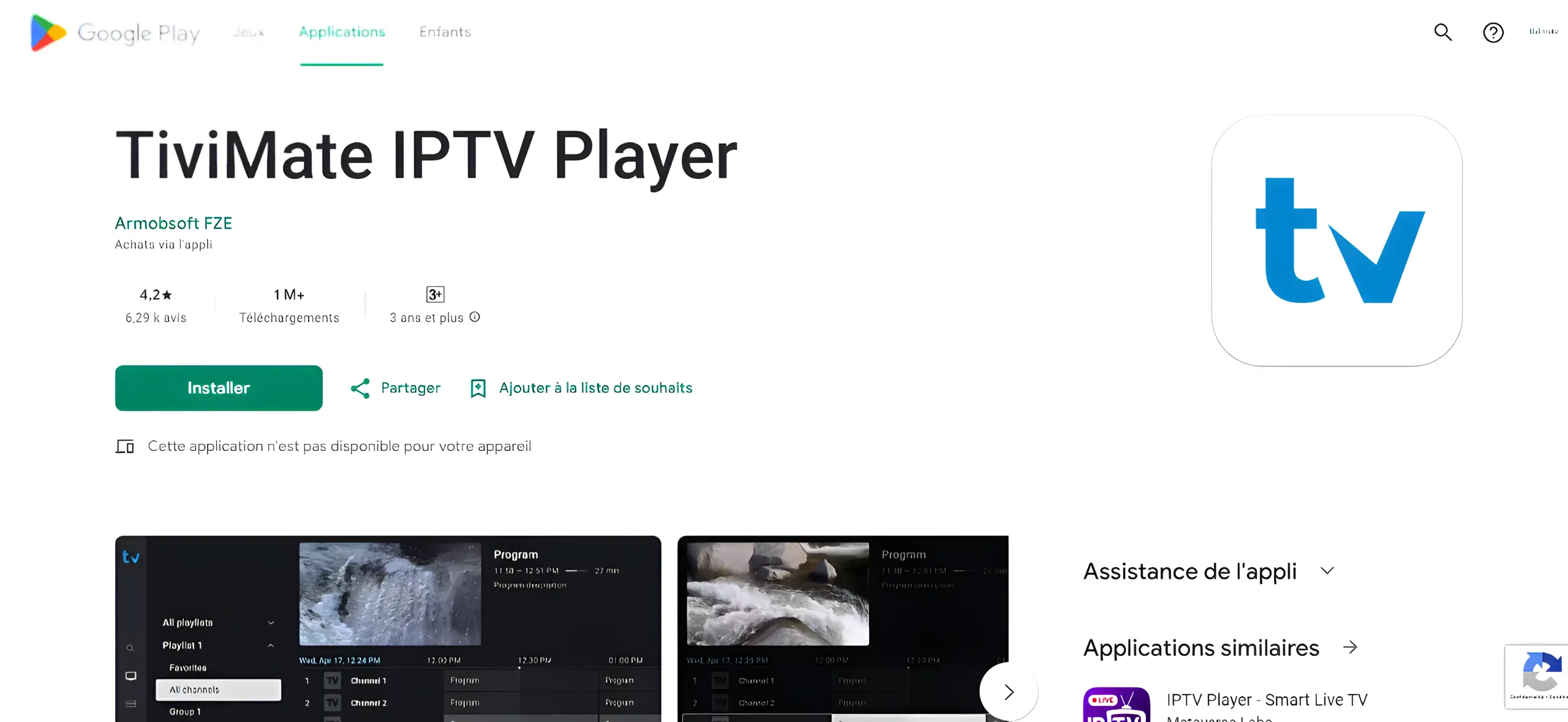
Is "TV Mate" the Same as TiviMate?#
Almost always, yes. The app's real name is a single word — TiviMate — but on a remote-keypad or autocorrect it is easily split into "TV Mate", "Tiv Mate", or shortened to "Tiv", "Tivimate" without the final e, and so on. None of these is a different product. They are the same Android IPTV player, and the only app you should install is the official TiviMate published on Google Play and the official TiviMate site.
Why People Search TV Mate, Tiv and TV Mate Pro#
- Typing on a TV remote. On-screen keyboards and voice search often mangle longer names.
- Autocorrect. "TiviMate" is not a standard word, so phones and smart TVs split or shorten it.
- Assuming a Pro tier. Many apps ship a "Pro" edition, so people look for "TV Mate Pro" even though this one uses Premium instead.
Common Spelling Variants and What They Mean#
| Search term | What it usually means | Where to get it |
|---|---|---|
| TV Mate | TiviMate, split into two words | Google Play / official APK |
| Tiv Mate | TiviMate, same app | Google Play / official APK |
| Tiv | Shorthand for TiviMate | Google Play / official APK |
| Tivimate | Official name without the capital M | Google Play / official APK |
| TV Mate Pro | TiviMate with Premium activated | Same app + Premium purchase |
| Tivimate Pro | Same as above | Same app + Premium purchase |
In every row, the underlying app is the same. The word "Pro" does not point to a different download — it describes the paid feature set.
How to Find the Official App and Avoid Lookalikes#
Because the name is easy to mistype, copycat apps exploit the confusion. To avoid them:
- Use the official listing. Search Google Play for TiviMate and confirm the developer and package id shown in our APK download guide.
- Prefer the store. On Android TV and Google TV, installing from the official Google Play listing is the safest route.
- Use the official site for APKs. For Fire TV and sideloading, get the file from the official TiviMate site, not a mirror.
- Check the Free vs Premium wording. A genuine install offers Premium activation; it does not call itself "Pro".
Is There a "TV Mate Pro" Version?#
No. There is one TiviMate app with a free tier and a Premium activation. Nothing named "TV Mate Pro" is published by the developer. If a site offers a separate "Pro" download, treat it with suspicion — the legitimate upgrade path is buying Premium inside the real app. Our guides explain what Premium unlocks and how to buy it.
Avoid Fake or Cracked Versions#
Searches for TV Mate often sit next to searches for cracked or "premium unlocked" builds. Those files are unverified, may be outdated versions missing security fixes, and can bundle unwanted software. They also break the update path, since a patched build will not update cleanly. The safe and durable choice is the official app with a legitimate Premium activation. If cost is the concern, our pricing guide and value assessment cover whether Premium is right for your setup.
Frequently Asked Questions#
Is TV Mate the same app as TiviMate?
Yes, in almost every case. "TV Mate", "Tiv Mate" and "Tiv" are common misspellings or shorthand for the app TiviMate.
Is there a TV Mate Pro app?
No. There is one app with an optional Premium activation. No separate Pro edition is published by the developer.
Why does my search for TV Mate show other apps?
Because the misspelling is exploited by similar-looking apps. Confirm the developer and package id, and install from Google Play or the official TiviMate site.
Does the spelling change which devices it works on?
No. Whatever you type, the real app runs only on Android TV, Google TV and Fire TV — not Roku, Apple TV or iOS.
Final Thoughts#
TV Mate, tiv mate, tiv, TV Mate Pro and tivimate pro all lead to the same place: the TiviMate IPTV player. Once you know that, the important move is installing the genuine app from an official source and upgrading through Premium rather than chasing a "Pro" build that does not exist. That single habit avoids the lookalike apps and unsafe downloads that cluster around this easily mistyped name.
Sources: official TiviMate site, TiviMate on Google Play, and the overview of IPTV on Wikipedia.